Talk to an expertProduct tour

228 Park Ave South, PMB 71905 New York, NY 10003

Product

  • Leasing
  • Maintenance
  • Vendor Management
  • Resident
  • AI Harness
  • Integrations
  • Data Platform
  • Field Operations
  • Call Center
  • Centralization
  • Revenue Management
  • Reports
  • Applicant Screening
  • AI Marketing
  • Move-in & Move-out

Solutions

  • Consulting
  • Asset Management
  • Senior Living
  • Student Housing
  • Affordable Housing
  • Hospitality

Resources

  • Articles
  • Glossary
  • Building Accolade
  • Authors

Company

  • About
  • Contact Us

Socials

  • LinkedIn

Industry members

  • NAA
  • NMHC

© Accolade. All rights reserved.

  • Privacy Policy
  • Cookie Policy

Built in New York and Bangalore

Field Operations

Get the right technician to every job, on time

See your whole field team on a live map, match every work order to the right skills, and build a schedule that keeps crews on site and off the road.
Schedule demo

Put your field team on the map

See how Accolade dispatches, matches, and routes a full day of work in a single live view.
Book demo

See and run the whole day in one place

Your work orders, technicians, and schedule all live in the same view, so dispatchers stop jumping between tools to get through the day.
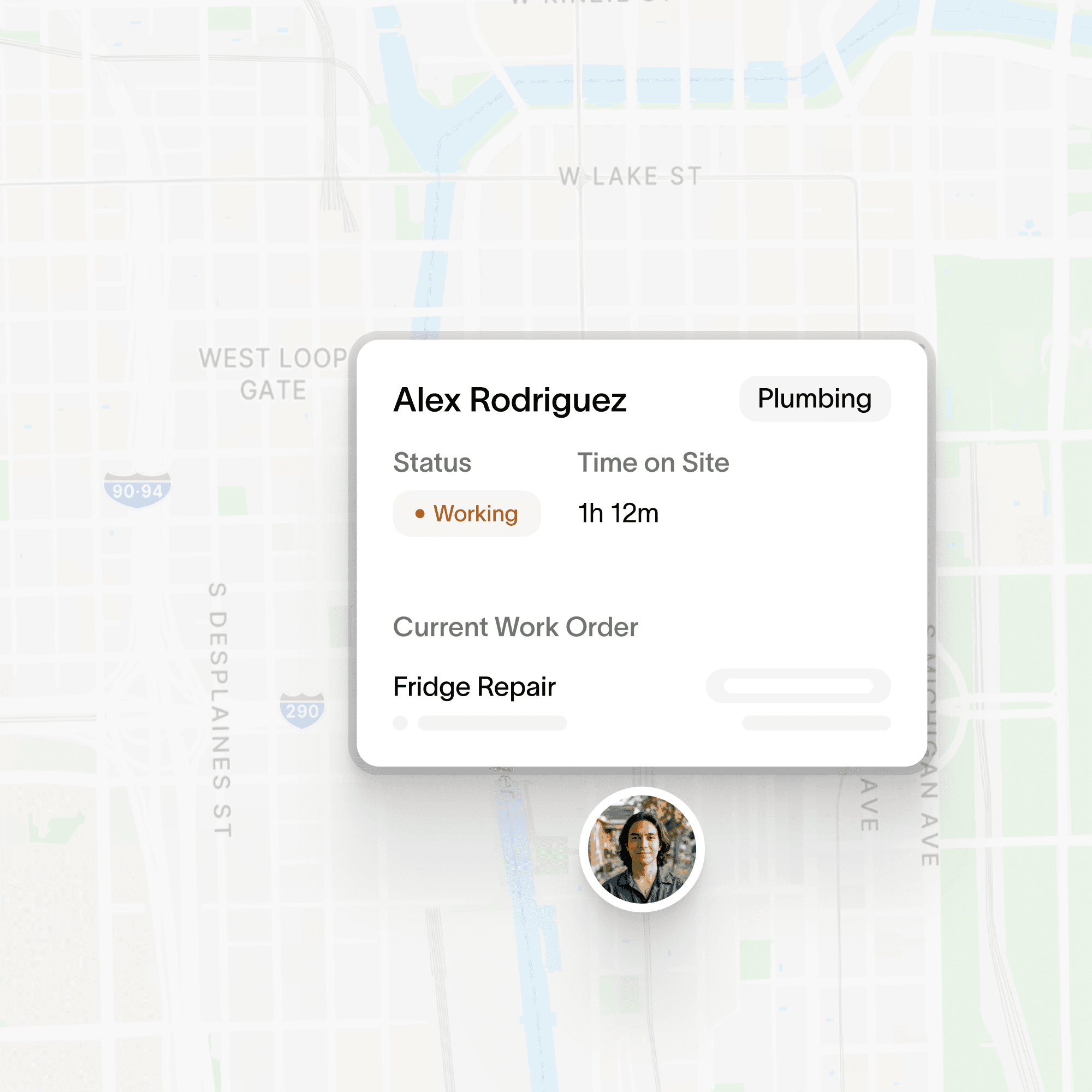
  1. Live map

    Live map

    See where every technician is and what they are working on right now, so you can step in when a job starts running late.

  2. Match by skill

    Send work to the technician who can actually do it. Accolade filters by trade, certification, and location before you assign.

  3. Optimize the schedule

    Let Accolade fill the day around your rules for priority, travel time, breaks, and skills, so dispatchers are not rebuilding the board by hand every morning.
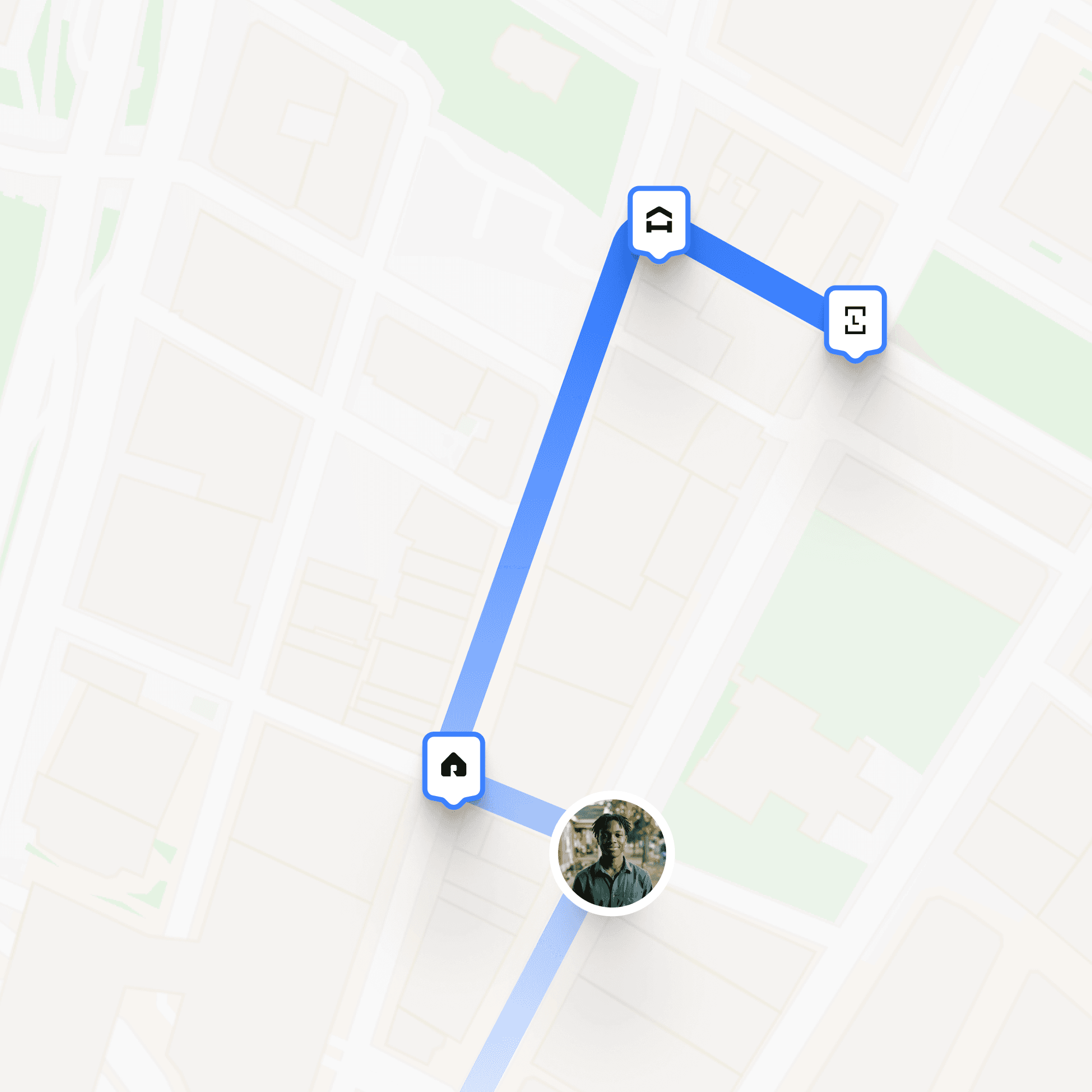
  4. Plan the best route

    Plan the best route

    See every job on the map and group the ones close together, so technicians drive less and finish more. Accolade can suggest who to send and when.

Packed with more for the field

The rest of the toolkit your crews and dispatchers reach for every day.
  1. Work orders

    Create, assign, and prioritize digital work orders for one unit or a hundred, and track every one from open to done.

  2. Timesheets

    Technicians clock in and out from the job. Time on site is captured automatically, ready for payroll.

  3. Inspections

    Run move-in, turn, and safety inspections with photo evidence attached, right from the phone.

  4. Recurring schedules

    Set preventive maintenance once and let it repeat, so filters, alarms, and turns never slip through.

  5. Technician app

    Every technician gets the day's work sorted by priority, with directions and details, and it all keeps working offline.

  6. Real-time alerts

    Get notified the moment a priority changes, a job runs late, or an urgent order comes in from a resident.

2026